Use This Before You Advertise
Before you add your website link to Instagram, email, LinkedIn, WhatsApp, Google Business Profile, or paid ads, run through this checklist.
The goal is simple: guests should be able to open the link, understand what you offer, choose dates or a service, see correct pricing, pay if required, and receive the right confirmation.
Website Content
Check:
- Business name is correct.
- Tagline is short and clear.
- Description explains the location, property type, service type, or guest experience.
- Logo looks clean.
- Hero image is strong and not stretched.
- Gallery images show the best parts of the stay or service.
- FAQs answer common guest questions.
- Contact details and social links are correct.
Offerings
Check every selected listing and service.
| Area | What to Confirm |
|---|---|
| Listings | Active, not archived, direct booking enabled, images updated, amenities correct. |
| Services | Published, rates added, availability configured, direct booking enabled. |
| Pricing | Nightly rates, service rates, fees, taxes, markups, and discounts are correct. |
| Availability | Calendar blocks, minimum stay, capacity, service slots, and blackout dates are correct. |
| Policies | Cancellation policy, deposit rules, and guest requirements are clear. |
Payments
Check:
- Payment gateway is connected from Settings.
- Direct booking payment settings are complete.
- Deposit or partial payment rules are correct.
- Fees, taxes, and currency are correct.
- A test checkout reaches the payment step.
If guests can book without payment in your workflow, make sure your team knows when to manually confirm the reservation. Automated guest messages usually depend on the reservation being properly confirmed.
Website and Domain
Check:
- Subdomain is short and recognisable.
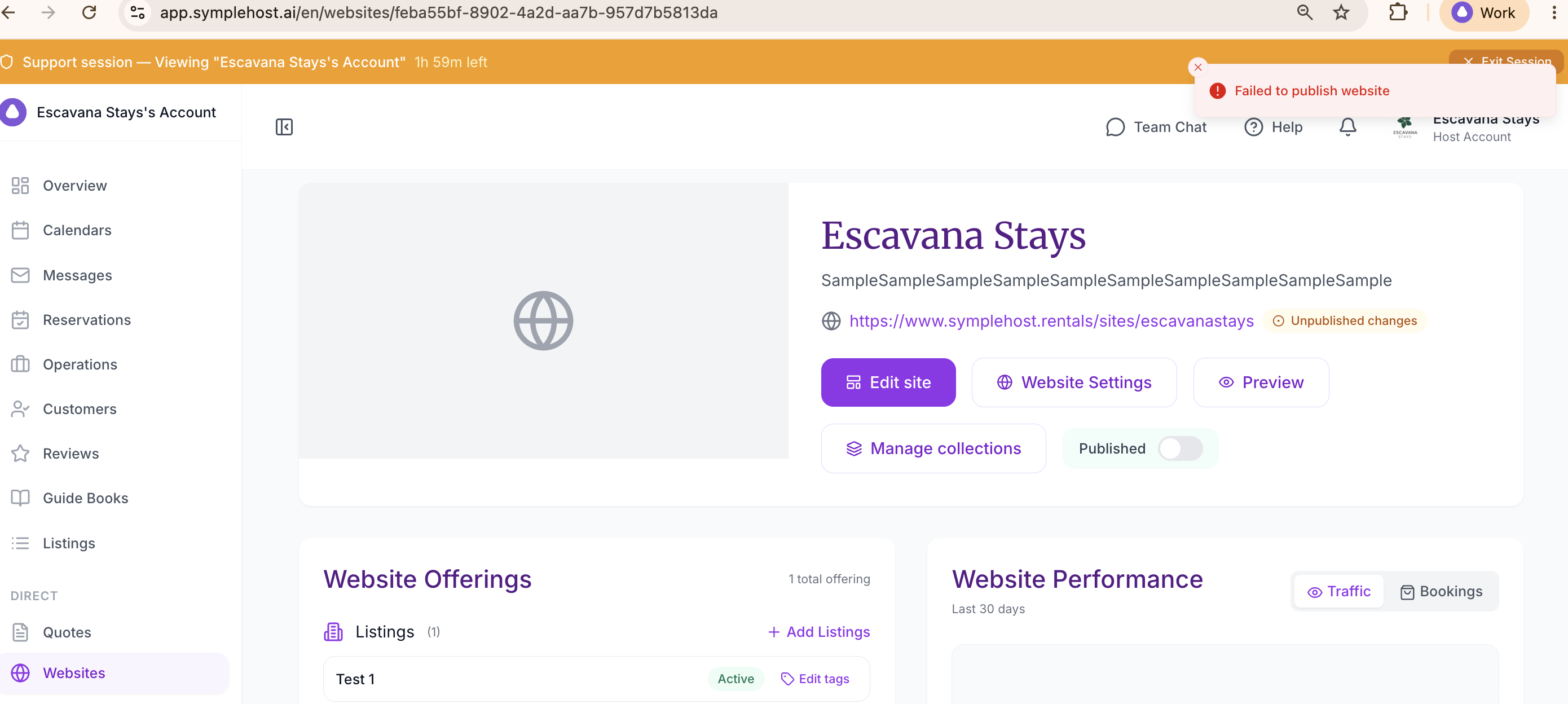
- Website status is Published.
- Preview looks correct on desktop and mobile.
- Any unpublished changes have been published.
- Old links or campaign links point to the right page.
For custom domain requirements, check with SympleHost support so they can confirm what is available for your account.
Analytics and Follow-Up
After sharing the website:
- Watch Website Performance for traffic and bookings.
- Use short links for campaigns where you want cleaner tracking.
- Review guest questions and update FAQs.
- Update photos, descriptions, and services when your offer changes.